You’re not the only one who has ever read a blog post, essay, or marketing copy and wondered if it was written by a person or an AI tool. A lot of people have started to doubt that, too. Sometimes it’s because of the way the information is written, and other times it’s because of the way it’s shown. This is mostly because AI-generated content has become a big part of the content creation world, thanks to tools like ChatGPT from OpenAI, Claude from Anthropic, and Gemini from Google, to name a few. It used to take people hours to do things that can now be done in seconds, but the quality of the writing isn’t always the same as real human writing.
As more and more people use AI writing tools, it’s more important than ever to check if content is written by a person or by AI. Teachers need to check students’ work, publishers need to keep their editorial integrity, marketers need to make sure their brand messages are real, and businesses are using detection tools more and more to make sure the content they publish is original and open.

AI detectors are useful in this situation.
AI detectors are tools that look at how something is written and try to guess whether it was written by a computer or by a real person. Some tools are meant to be used mostly for schoolwork. Some tools look for both AI and plagiarism, while others are made just for publishers, agencies, and professional content teams.
With that in mind, AI detection tools are very different from one another. Accuracy rates can change, false positives can be annoying, and paid features are often very different from free ones. Some tools work well on essays but not so well on content that has been edited or mixed. One reason why many people are still unsure is that some people may wrongly flag human writing.
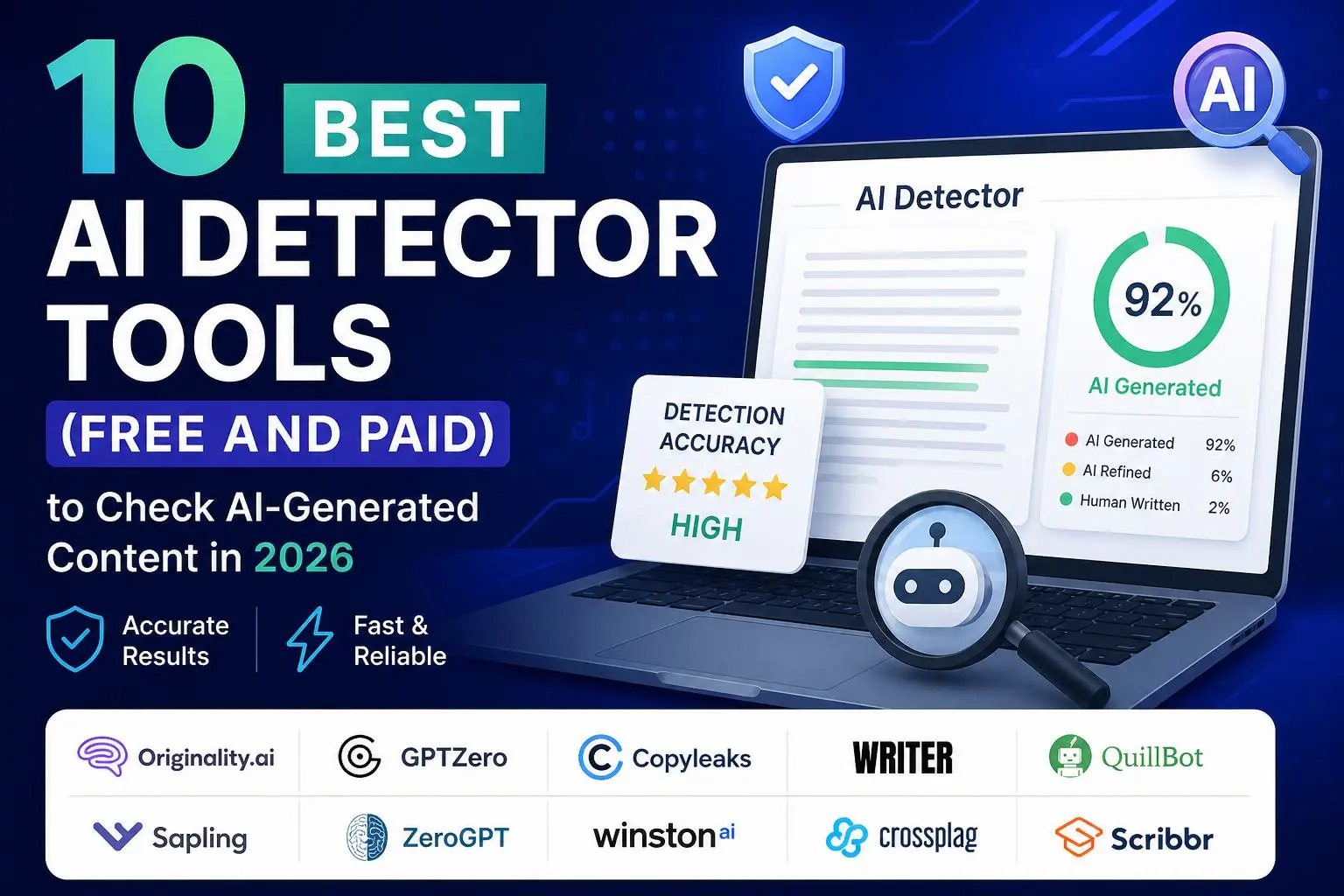
After testing the best options, we put together this guide to the 10 best AI detectors of 2026, both free and paid. These detectors stand out for their reliability, features, and usefulness. This guide should help you choose the right tool for your needs, whether you need a free one for occasional checks or a paid one for business use.
Quick Comparison Table: Top AI Detectors
Before we get into the nitty-gritty of the reviews, here’s a quick comparison of some of the best AI detectors on the market right now. We looked at how easy it is to get, the premium options, the best use cases, and the accuracy of the reported detection based on independent testing and available benchmarks. No AI detector is perfect, but these tools are always reliable and work well.
| AI Detector | Free Plan | Premium Plan | Best For | Accuracy |
|---|---|---|---|---|
| Scribbr | Yes | Yes | Students & Academic Use | 84% (Premium) |
| QuillBot | Yes | No | Free AI Detection | 78% |
| Originality.ai | Limited | Yes | Publishers & SEO Content | 76% |
| Sapling | Yes | Yes | Business & Teams | 68% |
| Copyleaks | Limited | Yes | Education & Plagiarism Checks | 66% |
| ZeroGPT | Yes | Yes | Casual Users | 64% |
| Crossplag | Limited | Yes | Academic Integrity | 58% |
| GPTZero | Yes | Yes | Teachers & Schools | 52% |
| Writer | Yes | Yes | Content Teams | 38% |
Quick Highlights
- Scribbr is the best premium AI detector, with an 84% accuracy rate.
- QuillBot and Scribbr Free (78%) are the best free AI detectors.
- Originality.ai is the best for publishers.
- For teachers, GPTZero and Copyleaks are the best.
Keep in mind that the accuracy numbers may change depending on whether the text was made entirely by AI, a mix of human and AI content, or heavily edited with paraphrasing tools. There can also be false positives, which is why AI detectors should be used as a guide rather than as proof.
What Are the Features of a Good AI Detector?
Not all AI detectors work the same way, and picking the right one often depends on a few important things. Some of the most important things to look for are:
- Detection Accuracy: How well the tool finds content that was made by AI.
- Low False Positives: A good detector shouldn’t mistake human writing for AI.
- Checking for Plagiarism: Some tools can find both AI and plagiarism.
- Detecting Paraphrased Content: Better tools can find AI text that has been changed or “humanised.”
- Ease of Use: It’s important to have clear reports and easy-to-use interfaces.
- Pricing and Value: Free and paid tools should be worth the money they cost.
Helpful tools that are clear don’t just give a score; they also explain the results.
Most of the time, the best AI detectors strike a good balance between accuracy, reliability, features, and ease of use.bility.
The best AI detectors, both free and paid
1. Originality.ai
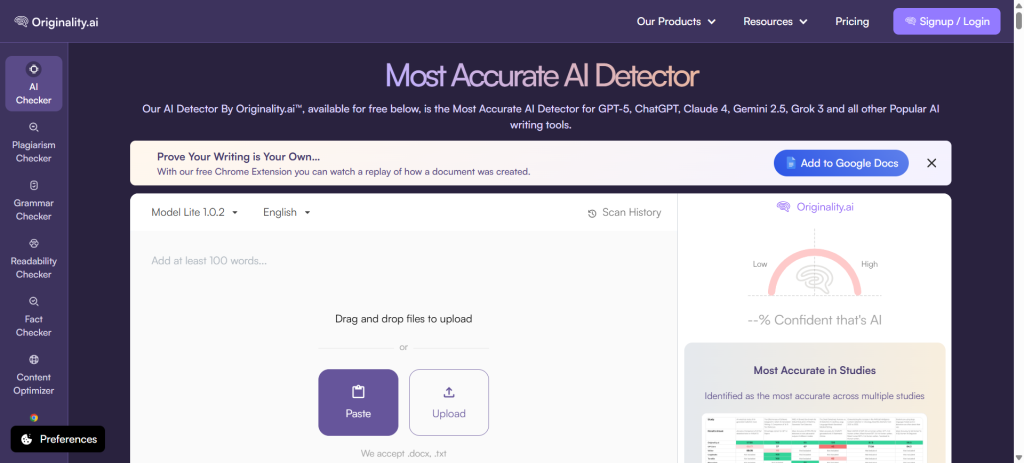
Many people think that Originality.ai is one of the best AI detection tools for publishers, agencies, and website owners. It has both AI content detection and support for checking for plagiarism and facts.
Key Features
- Finding AI content
- Scanner for plagiarism
- Analysis of how easy it is to read
- Tools for managing teams
Free vs Premium Pricing
- Free Plan: Limited access to the demo
- Premium: Paid credits that start at a low price based on how much you use them.
Pros
- Very good at finding things
- Has a tool to check for plagiarism
- Good for professional publishers, but not for
Cons
- No strong free plan
- People who only use the service occasionally may not like credit-based pricing.
Best For: publishers, bloggers, agencies, and SEO experts
Verdict
One of the best high-end AI detectors on the market, especially for checking the truth of serious content.
2. GPTZero
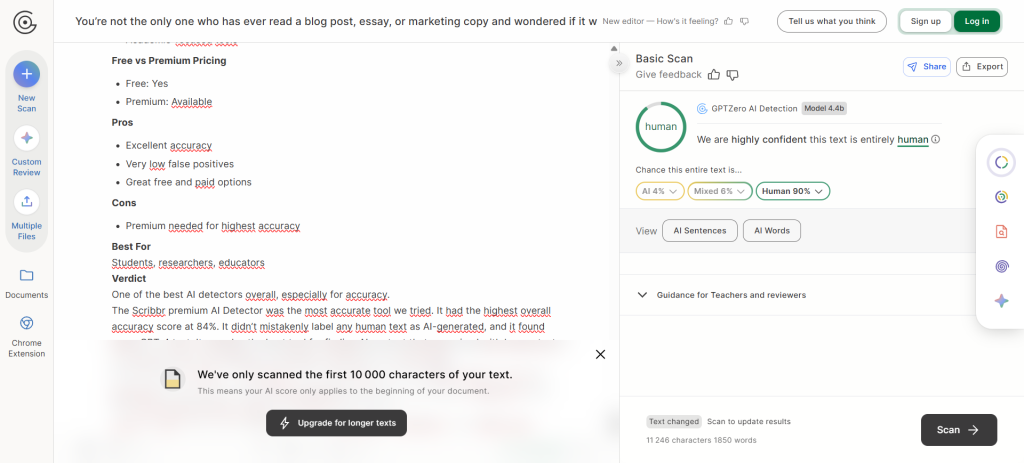
In education, GPTZero became popular and is still the best way to find AI-written academic content.
Key Features
- AI text score for probability
- Analysis at the sentence level
- Scanning in batches
- Tools for reporting on education
Free vs Premium Pricing
- Plan for Free: Yes
- Premium: Comes with more features and higher limits
Pros
- Simple to use
- A lot of teachers like it
- Good free version, but not great
Cons
- Can give false positives
- Edited content has had mixed results.
Best For: Teachers, students, and academic review
Verdict
A powerful AI detector for education with free tools that are easy to use.
3. Copyleaks
Schools and businesses use Copyleaks, which has both plagiarism detection and AI detection in one place.
Key Features
- Finding AI
- Scanning for plagiarism
- Finding source code
- Integrations with APIs
Free vs Premium Pricing
- Free: Only a few
- Premium: You can sign up for a subscription plan. Pros
Pros
- Dual plagiarism and AI detection
- Trusted in schools
Cons
- The interface can seem hard to use.
- Full power needs a premium.
Best For
Schools, businesses, and other organisations
Verdict
Great all-in-one tool for checking integrity.
4. Writer
Writer has a free, easy-to-use AI detector for marketers and content teams.
Key Features
- Scan for AI content
- Basic scoring
- Ecosystem for optimising content
Free vs Premium Pricing
- Free: Yes
- Premium: Enterprise tools available
Pros
- Quick and easy
- Access for free
- Good for quick checks
Cons
- Less accurate than the best competitors
- Not much advanced analysis
Best For
quick checks, marketers, and bloggers
Verdict
This is a useful lightweight detector, but it’s not the best for accuracy.
5. QuillBot
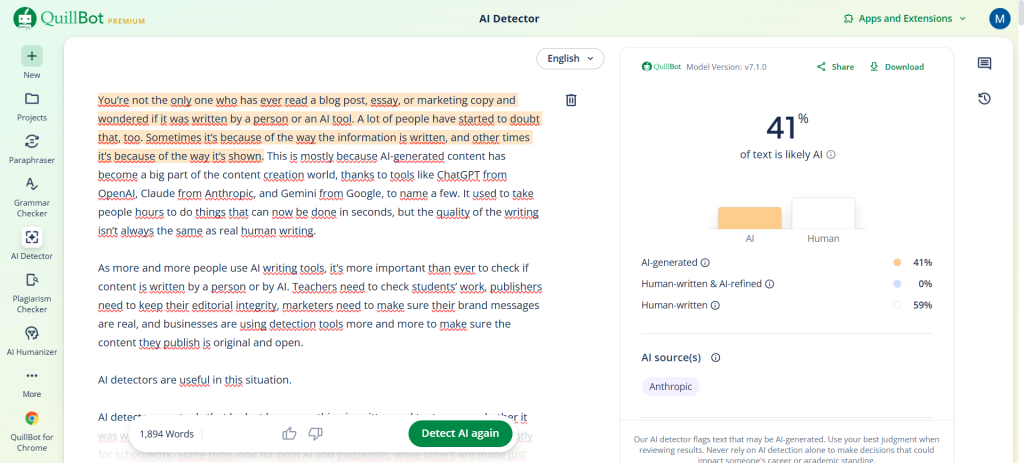
QuillBot has one of the best free AI detectors on the market right now.
Key Features
- AI detection for free
- Reports with simple scores
- Working with writing tools
Free vs Premium Pricing
- Free: Yes
- Premium: Part of larger QuillBot plans
Pros
- A good free choice
- Simple to use
Cons
- Not as many advanced features
- Few business tools
Best For
Students, writers, and people on a budget
Verdict
One of the best free AI detectors out there.
The free AI Detector from QuillBot got a score of 78%. This was one of the most accurate free tools we tried, along with Scribbr’s free AI detector. It found all GPT-3.5 and GPT-4 texts with 100% accuracy, and there were no false positives.
It also did better than average at finding AI content that had been mixed with human-written text or changed using a paraphrasing tool (it found 50% of these texts correctly).
You can test QuillBot’s free AI Detector right away by pasting in text or uploading a file. It’s quick and easy to use. The information is clear: the tool shows a percentage chance that the text is AI-generated. But it doesn’t make this text stand out.
You don’t have to sign up or pay anything to use the tool. Users can do as many checks as they want, and each check can scan up to 1200 words.
For $8.33 a month, users can also get a Premium account.
6. Sapling
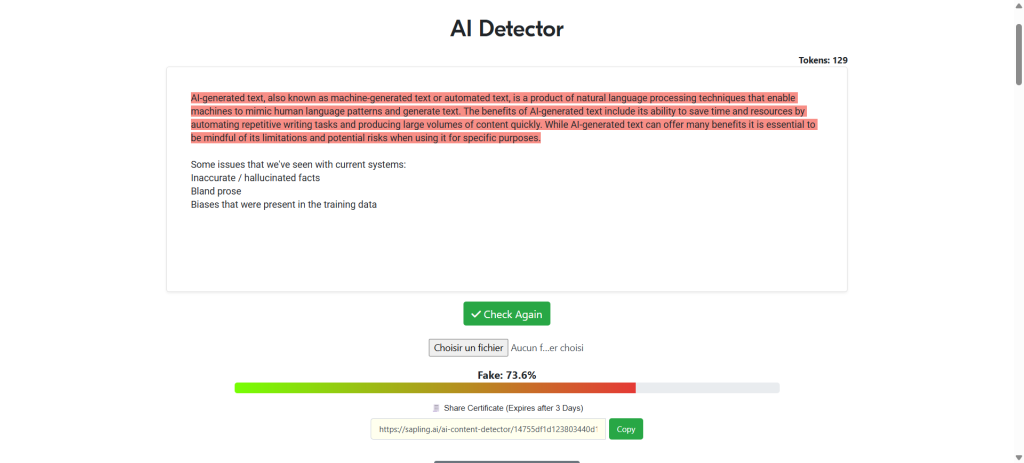
Along with writing help tools, Sapling has AI detection.
Key Features
- Finding AI
- Tools to help you write
- Help with grammar
Free vs Premium Pricing
- Free: Yes
- Premium: Available
Pros
- Platform for many uses
- Simple interface
- Good at finding things, but not great at it.
Cons
- Not as specialised as others
- Premium is required for advanced use.
Best For
Teams and business people
Verdict
A good choice for content teams all around.
7. ZeroGPT
Overview
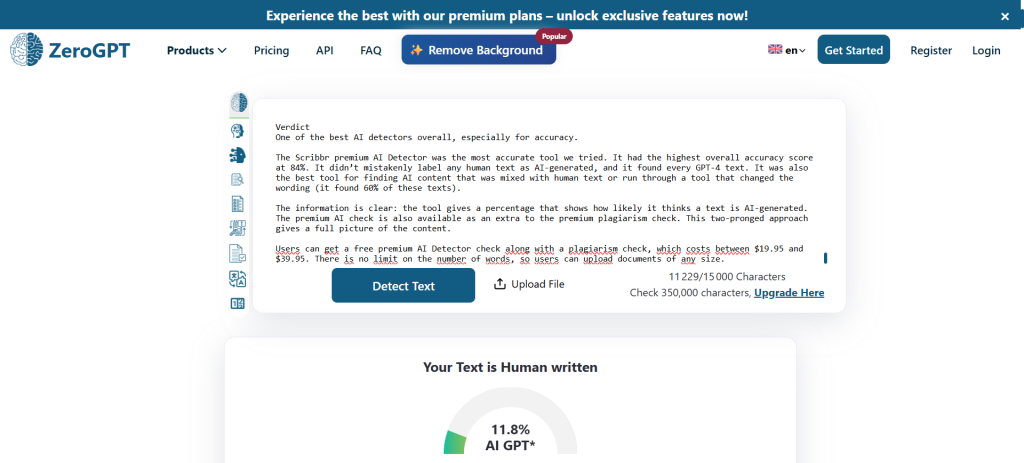
ZeroGPT is a free AI detector that many people use for quick scans.
Key Features
- AI detection for free
- Sentences with highlighted flags
- Choices for batches
Pros
- Easy to get to and quick
- Use for free
- Easy for beginners to use
Cons
- The accuracy may change.
- Ads in the free version
Best For
Students and casual users
Verdict
Free detector that is easy to use for quick checks.
8. Winston AI
Overview
Winston AI is a high-end detector made for professionals.
Key Features
- Finding AI
- Support for OCR documents
Pros
- Great premium features
- Reports of professional quality
- Good reputation for finding things Cons
Cons
- Limited use for free
- Plans that cost money are required
Best For
Professionals, publishers, educators
Verdict
One of the best premium challengers.
9. Crossplag
Overview
Crossplag combines plagiarism and AI detection tools.
Key Features
- AI detector
- Similarity checking
- Academic-focused tools
Pros
- Useful dual functionality
- Academic use focus
Cons
- Lower reported accuracy
- Smaller feature set
Best For
Academic users
Verdict
Decent option, though stronger alternatives exist.
10. Scribbr
Overview
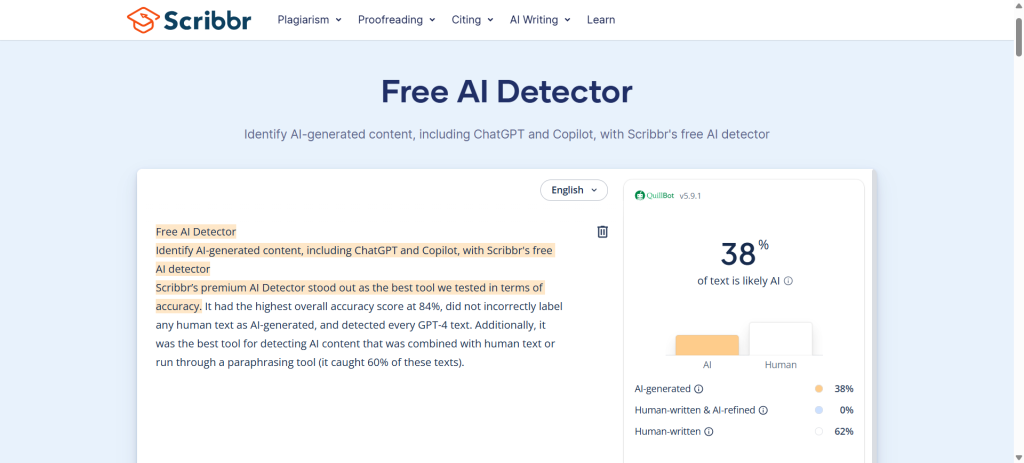
Scribbr offers both free and premium AI detection and consistently ranks among the strongest performers.
Key Features
- Free AI detector
- Premium advanced detection
- Academic-focused tools
Free vs Premium Pricing
- Free: Yes
- Premium: Available
Pros
- Excellent accuracy
- Very low false positives
- Great free and paid options
Cons
- Premium needed for highest accuracy
Best For
Students, researchers, educators
Verdict
One of the best AI detectors overall, especially for accuracy.
The Scribbr premium AI Detector was the most accurate tool we tried. It had the highest overall accuracy score at 84%. It didn’t mistakenly label any human text as AI-generated, and it found every GPT-4 text. It was also the best tool for finding AI content that was mixed with human text or run through a tool that changed the wording (it found 60% of these texts).
The information is clear: the tool gives a percentage that shows how likely it thinks a text is AI-generated. The premium AI check is also available as an extra to the premium plagiarism check. This two-pronged approach gives a full picture of the content.
Users can get a free premium AI Detector check along with a plagiarism check, which costs between $19.95 and $39.95. There is no limit on the number of words, so users can upload documents of any size.
How Accurate Are AI Detectors?
AI detectors can be helpful, but they aren’t always right. Depending on the tool, the type of content being looked at, and whether the text was fully written by AI, partially edited by humans, or rewritten using paraphrasing tools, the accuracy can be very different.
Some of the best detectors have worked well, but even the best ones can make mistakes, like saying that human text is AI or missing AI text altogether. This is one reason why a lot of experts say that AI detectors should be used as signs instead of proof.
AI detectors work best on text that is clearly made by a machine. They might have a harder time with content that is mixed up or heavily edited. Most of the time, premium tools work better than free ones, but no detector can promise that it will always work.
The main point is that AI detectors can help you find patterns, but you should be careful and trust your own judgement when using them.
Free vs Premium AI Detectors: Which Should You Choose?
A lot depends on your needs when it comes to choosing between free and paid AI detectors.
If you just want to check something quickly and don’t want to pay, free AI detectors can be a good place to start. They usually only do basic detection, and they may have word limits, fewer features, and sometimes less accurate results. Some free tools, on the other hand, work better than you might think.
For professional or high-stakes use, premium AI detectors are usually better. They often have better accuracy, more detailed reports, the ability to find plagiarism, the ability to scan a lot of documents at once, and the ability to work with mixed or edited AI content.
Choose Free If You:
- Need occasional content checks
- Are a student or casual user
- Want to test AI detection tools before paying
- Have a limited budget
Choose Premium If You:
- Need higher accuracy and fewer false positives
- Work in publishing, education, or business
- Want plagiarism detection included
- Scan large amounts of content regularly
Bottom Line
A good free tool might be all you need if you only need basic detection. But for business use, premium AI detectors are usually more reliable and worth the money.